Nuclear Tiger
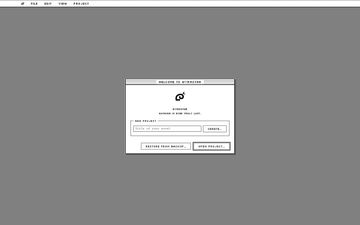
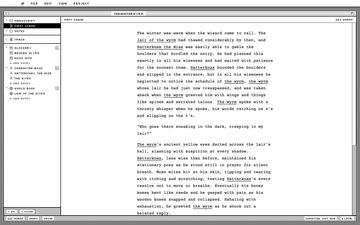
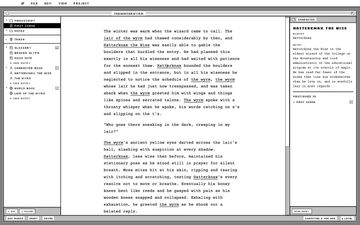
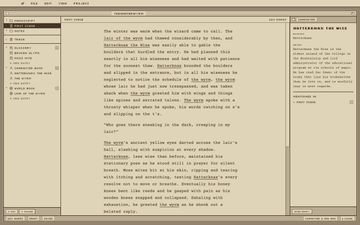
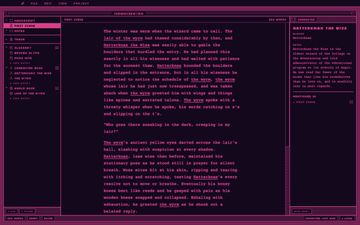
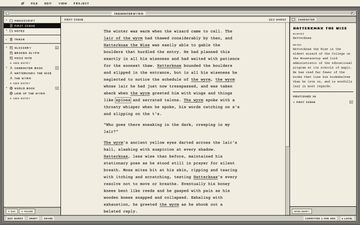
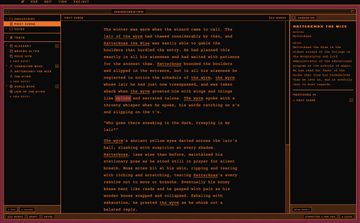
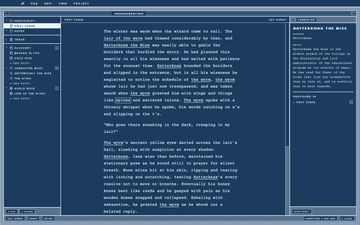
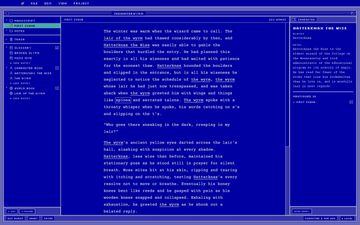
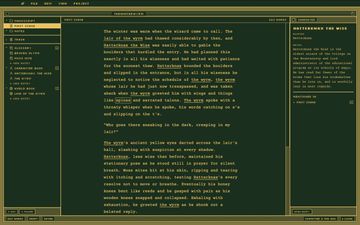
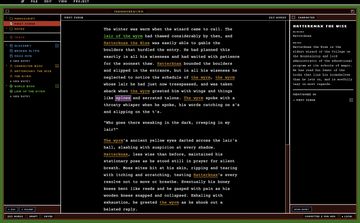
WyrmStar is a word processor for long-form fiction writing that combines some of my favorite features from WordStar and Scrivener while introducing other features that I felt were missing from all other options.
The largest feature that was missing from other word processors was robust version control. I'm a software engineer by trade, so version control is part of my daily routine. But each evening when I would toil away at revisions for my own writing projects, I couldn't help but think—why couldn't word processors use the same system?
To that end, I've built WyrmStar on top of an underlying git base. Engineers will all be familiar with it, but for non-technical folks, you don't have to worry about it. Git gives you the ability to roll back changes, compare different versions, and branch off into multiple versions whenever needed. Locally, the git is obscured so you can focus on your writing. However, if you want to supercharge WyrmStar, you can use a GitHub.com account for true version control and syncing. Work on any device, and pull down your manuscripts from private repositories in the cloud!
- Binder-based project organization — folders and documents, drag-and-drop reordering, Scrivener-style structure
- A distraction-free writing surface: bold, italic, and highlight — nothing else competing for your attention
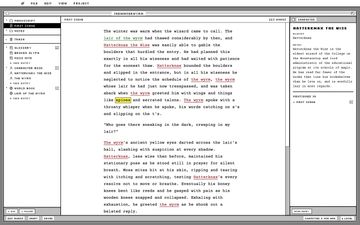
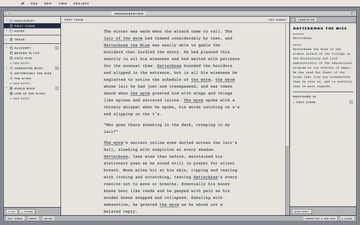
- A built-in story bible — Glossary, Character Book, World Book — that auto-links mentions as you write
- Full version history: browse every checkpoint, diff any two side by side, restore with one click
- Named variants — freeze a snapshot of a document without disrupting your main draft
- Compile straight to plain text, Markdown, or a real .docx
- Optional GitHub sync — work across devices, private repos, automatic conflict handling when the same document changes on two machines
- Local backup to any external drive or synced folder, no account required
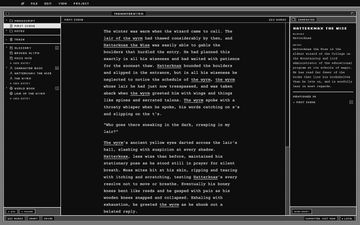
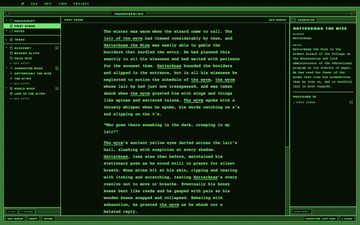
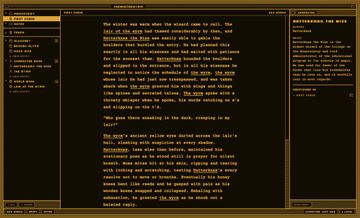
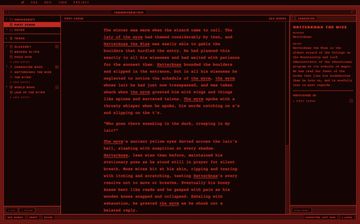
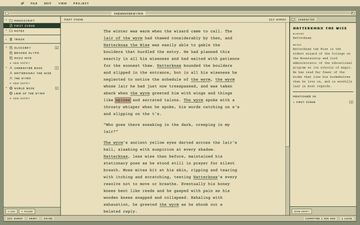
- Sixteen visual themes, from 1-bit black-and-white to CRT phosphor to a full-colour NES palette
- Local-first — nothing leaves your machine unless you turn on sync yourself
- Plus, NO SPELL CHECK!
Mac, Windows and Linux builds live on that page. These are early test builds and aren't
code-signed yet, so your OS will complain the first time you open one. On a Mac you'll likely
see “is damaged and can’t be opened” — it isn't actually damaged, that's
just how an unsigned app reads to Gatekeeper on Apple Silicon. Open Terminal and run:
xattr -cr /Applications/WyrmStar.app
(swap the path if you put it somewhere else), then open it normally. On Windows, click
"More info" then "Run anyway" on the SmartScreen prompt.
Curious how it actually works? Read the docs, or poke at the source — it's open.